









 |
 |
 |
|
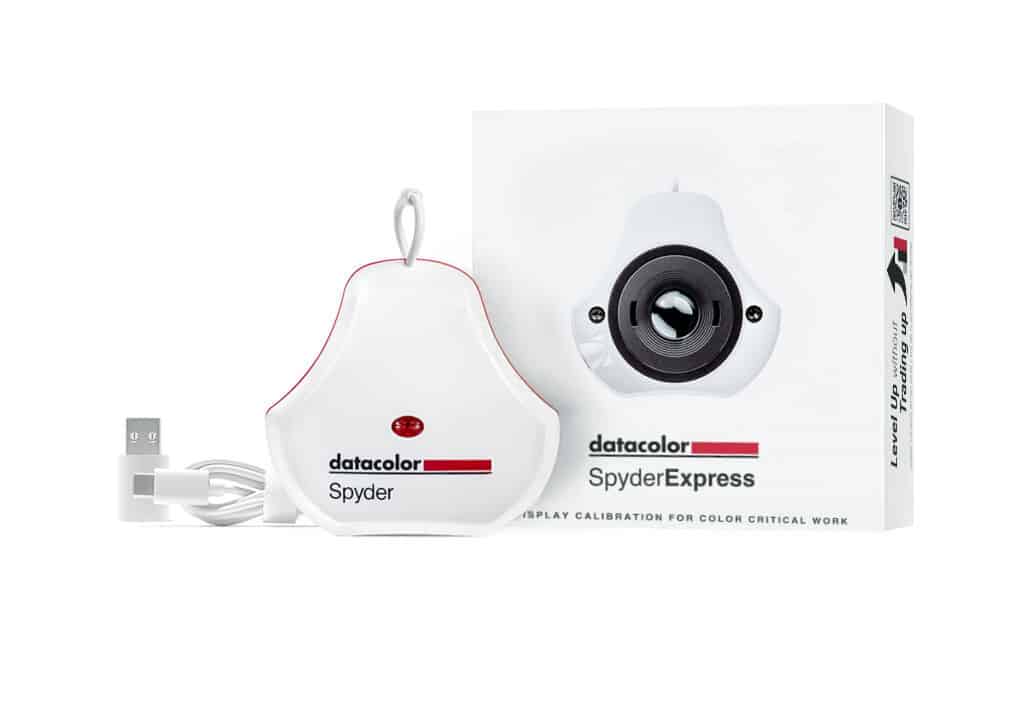
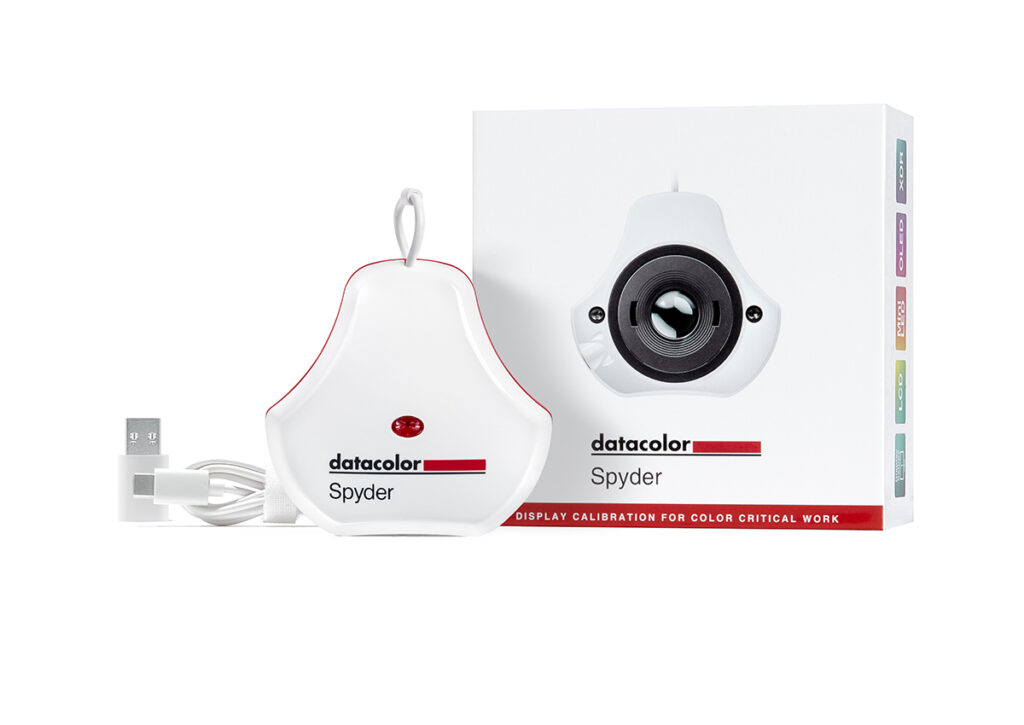
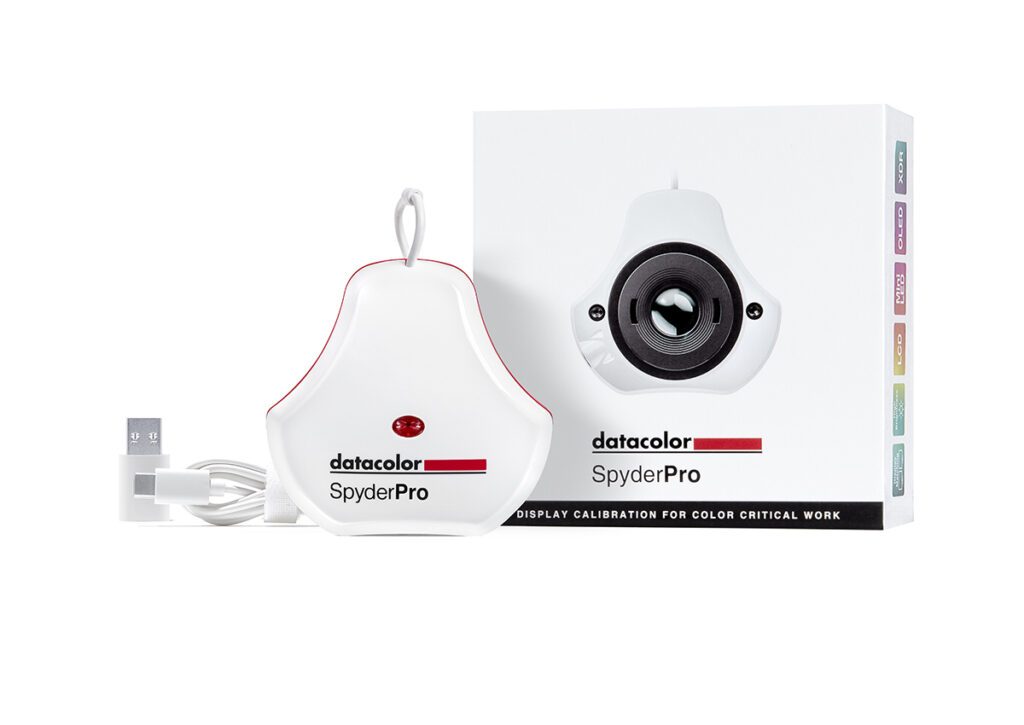
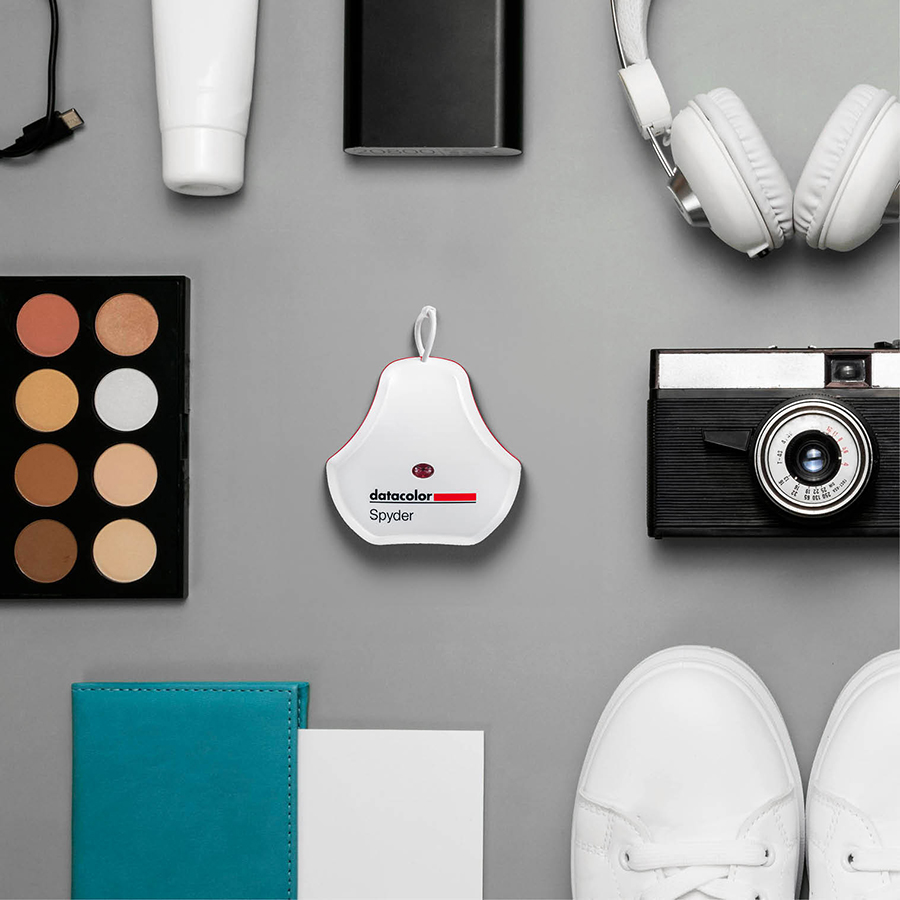
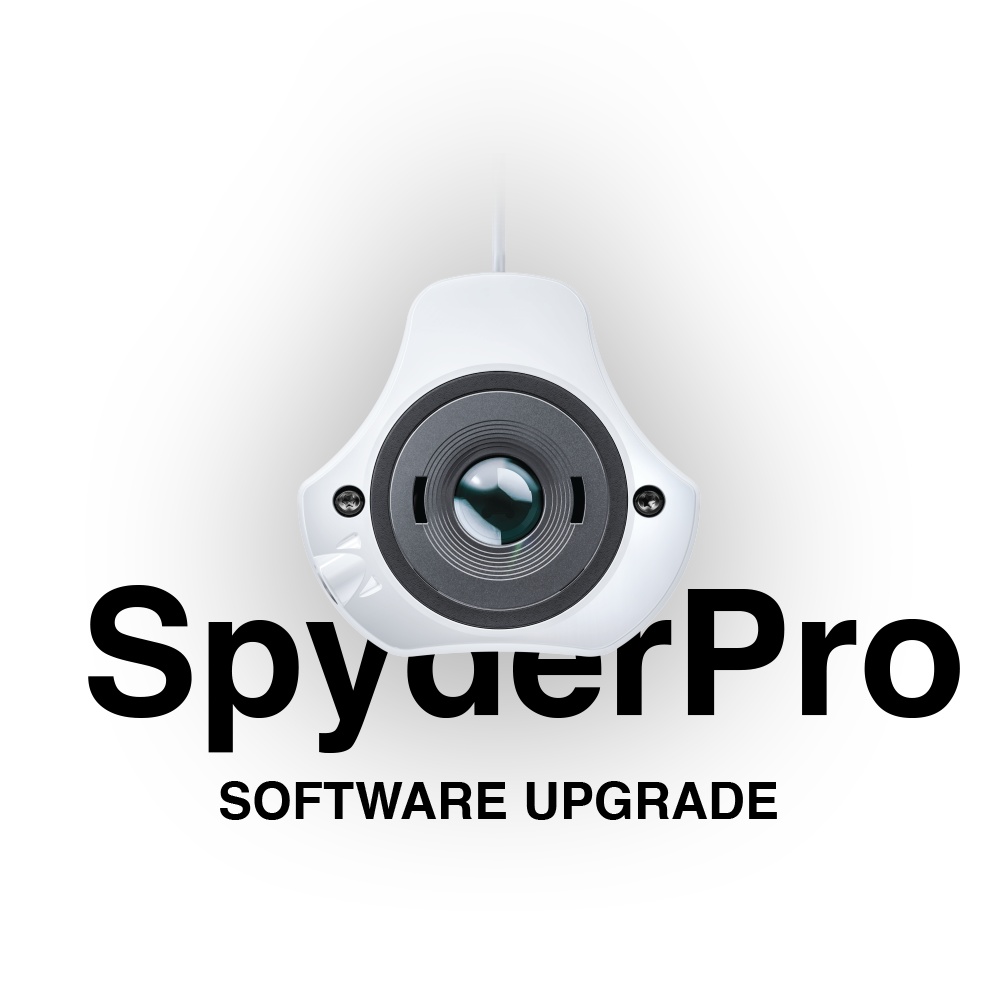
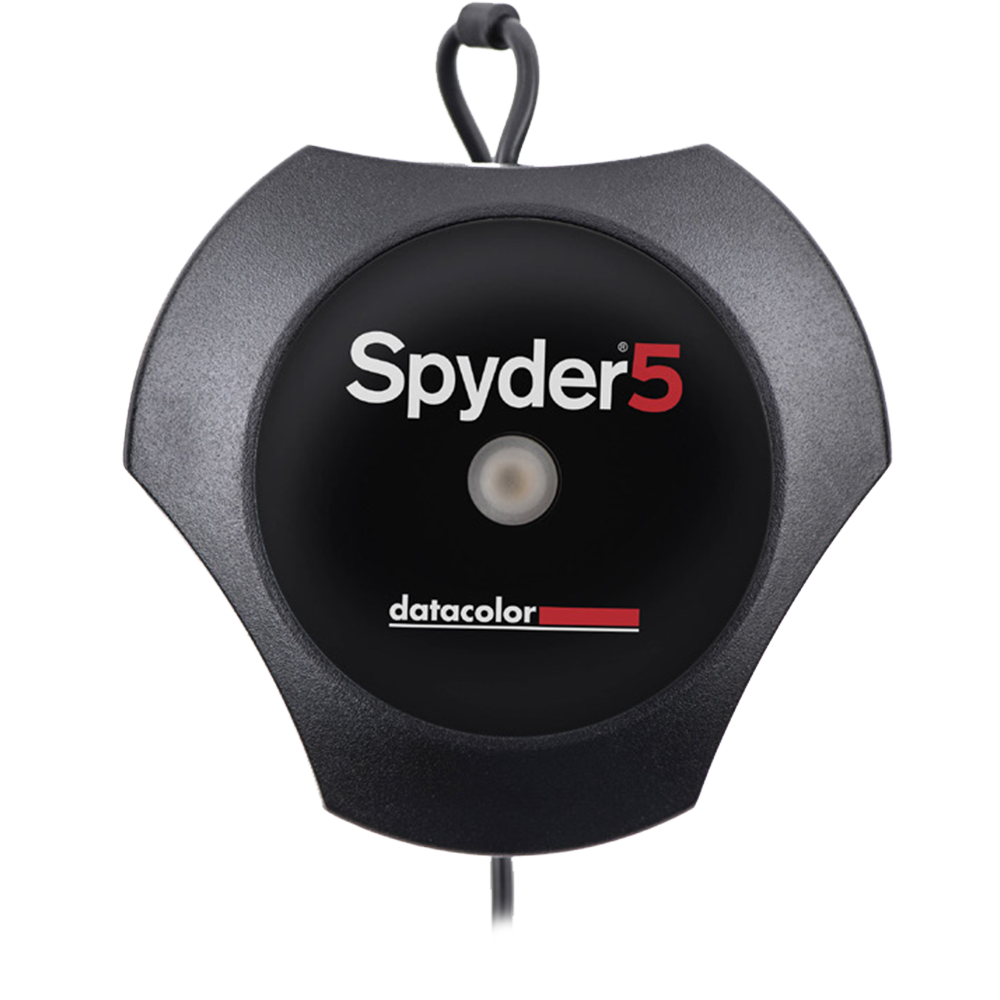
| SpyderExpress | Spyder | SpyderPro | |
| Price | Requesting price...
|
Requesting price...
|
Requesting price...
|
| Best For | Photo hobbyists, content creators, graphic designers | Professional photographers | Videographers, filmmakers, broadcast, 3D animators, professional photographers |
| Designed For | Basic photo editing for digital sharing or printing | Advanced photo editing for digital sharing or printing | Sophisticated photo/video editing for digital sharing or printing |
| Display Technologies Display technologies that can be calibrated |
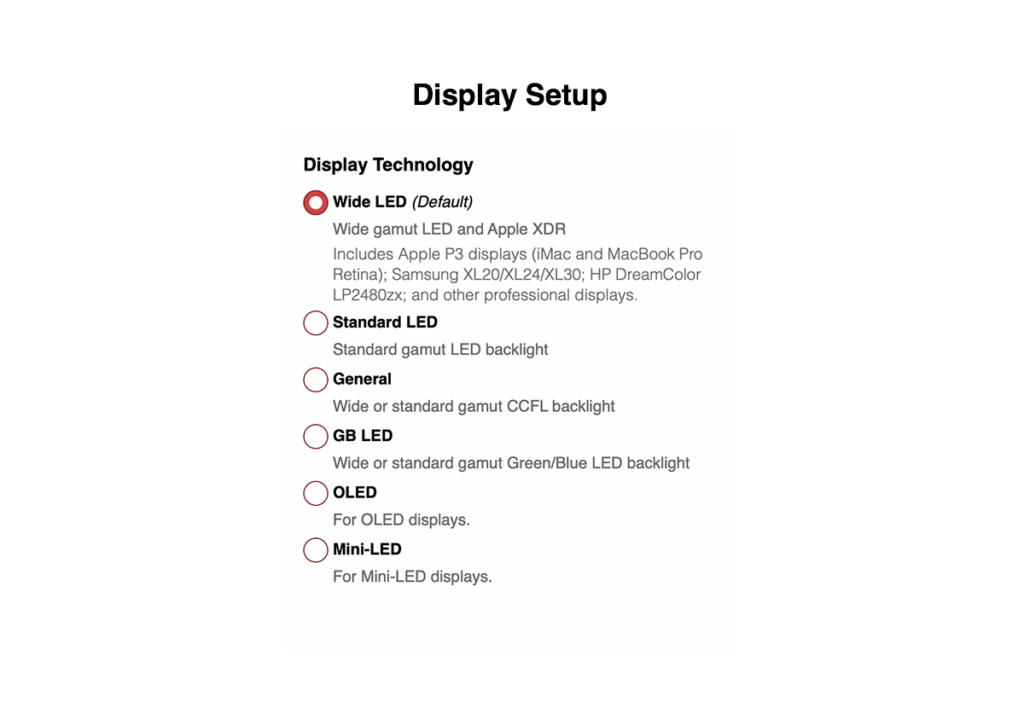
Monitors & laptops, Apple XDR, all MacBook/Pro | Monitors & laptops, mini-LED, Apple XDR, all MacBook/Pro, OLED, QD-OLED | Monitors & laptops, mini-LED, Apple XDR, all MacBook/Pro, OLED, QD-OLED, ultra brightness |
| Max Luminance Maximum brightness the sensor can measure |
1,200 cd/m2 | 3,000 cd/m2 | 12,000 cd/m2 |
| # of Displays Supported # of displays the software can calibrate |
3 connected displays per workstation | Unlimited (per computer capability) | Unlimited (per computer capability) |
| 3D LUT Calibration Calibrate compatible video monitors with precision using industry-standard 3D LUTs - ideal for video and cinema workflows. (17, 33 or 65 point 3D LUT export in .CUBE format) |
- | - | |
| Video Rec709, Rec2020, DCI-P3 (Theatrical), DCI-P3 (D60), DCI-P3 (D65), NTSC, PAL, SECAM |
- | - | |
| Device Preview™/SoftProofing Simulate how your image will look in print based on inks/paper used or on other smartphones/displays/tablets |
- | - | |
| Device Preview™ Plus/SoftProofing Simulate how your images appear across phones, tablets, printers, and more by loading Camera RAW, DNG, TIFF, JPG, and PNG files; compare side-by-side, sample pixels, batch convert, embed content credentials for trusted delivery, and export as TIFF, JPG, and PNG - all from your calibrated screen. |
- | - | |
| Content Credentials Embed your name, edit history, and ICC profile into exported files (like a digital “nutrition label” for authenticity) for verifiable authenticity and creative protection in an AI-driven world. |
- | - | |
| Ambient & Room Light Adjustment Measure the ambient light in your environment to create profiles for different lighting situations |
- | ||
| Light Meter Integration Sync with Datacolor LightColor Meter (and other meters that measure Lux values) for more precision to adapt calibration to real-world lighting conditions and matched accuracy. |
- | - | |
| Display Matching/Visual Fine Tuning Create the best consistency between displays. StudioMatch™ is used on multiple displays on one or multiple computers. SpyderTune™ is used with multiple displays on one computer. |
- | - | |
| Projector Calibration Calibrates a projector connected to a computer. |
- | - |
"The SpyderPro has become one of the most important tools for maintaining a consistent and accurate delivery of digital and print assets to my clients. When I fail to use it, it is quite apparent something is off!"
"All in One Solution for all Displays and very Fast Calibration!"
"Every time I use my Datacolor Spyder, the process is simple, fast, and gives me accurate colors. I highly recommend that anyone interested in design and photography pick one up!"
"The Spyder hardware and software combination still provides the best way to profile your screen and be assured that what you are viewing is colour-accurate. Now with wide-gamut, XDR and high brightness monitor support, it is even better and more complete than before."
"You can’t help but appreciate a calibration tool that has robustly designed hardware along with thoughtfully programmed software."
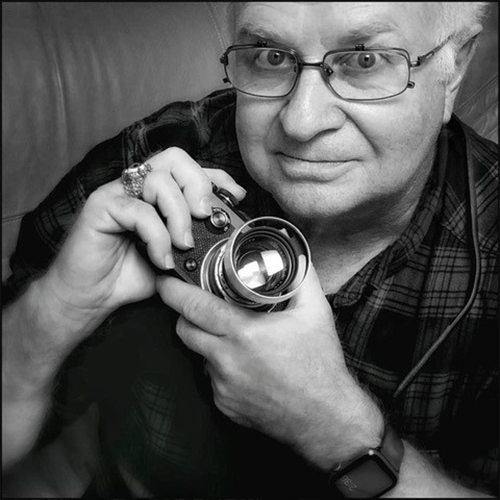
Photo Credit: O. Rufus Lovett
Photo Credit: O. Rufus Lovett