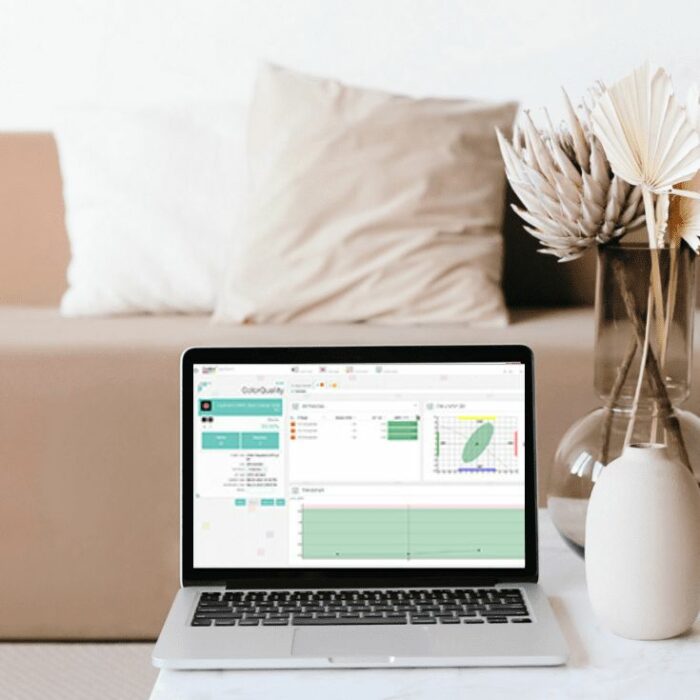
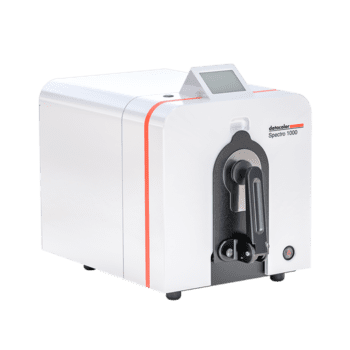
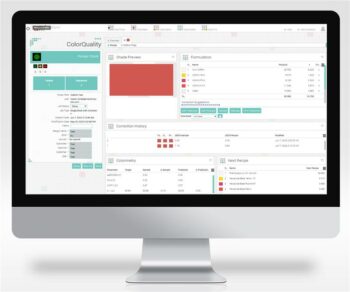
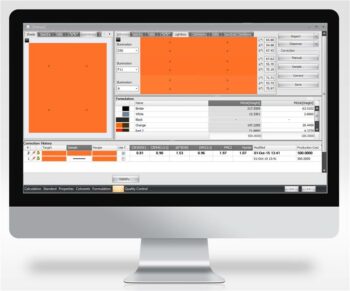
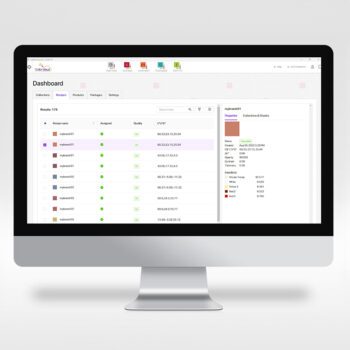
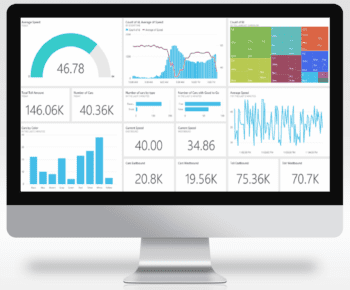
Datacolor Colibri ColorQuality comes in three feature levels
Colibri ColorQuality can be configured along with other Colibri modules to better suit your color quality needs and workflow.
- ColorQuality Expert: Ideal for large enterprises, with multiple manufacturing facilities or a large supply chain. This premium configuration comes with the most comprehensive quality control features and the ability to correct recipe during production.
- ColorQuality Standard: Typical configuration for most common quality control needs, this package offers the same level of functionalities as the Expert level minus the ability to correct recipe during production
- ColorQuality Basic: For small to mid-sized companies with basic quality control needs and do not require customization of templates, often single operation site with one local database.
Colibri ColorQuality
| Features |
ColorQuality Expert |
ColorQuality Standard |
ColorQuality Basic |
| Job template configuration |
|
|
|
| Intuitive Data Navigation with User Management |
|
|
|
| Create a new user |
|
|
|
| Job types per industry (Industrial or Printing Ink) |
|
|
|
| Configurable print report |
|
|
|
| Smartmatch and Color strength |
|
|
|
| All industry standard QC attributes |
|
|
|
| CQ correct (requires ColorMatch) |
|
|
|
| Import/Export Capabilities |
|
|
|
| Measurement automatic assignment (association) |
|
|
|
| Full Range of Indices for Ink, Paint and Plastics Industries |
|
|
|
| Visual Representation of Tolerances |
|
|
|
| Interactive Plots and Graphs |
|
|
|
| Tolerance per standards and jobs |
|
|
|
| Widget configuration |
|
|
|
| Job scoring |
|
|
|
| Tolerance Warning Levels |
|
|
|
| Multiple standards displayed in sequential mode |
|
|
|
| Advanced search capabilities |
|
|
|
| Custom Properties (user defined fields) |
|
|
|
| QC report template |
|
|
|
| Connect a wide range Instruments |
|
|
|
| Connect to Cloud and on-premise database |
|
|
|
| Swap standard/batch |
|
|
|
| Load standard as batch and batch as standard |
|
|
|
| Save modified Template as new |
|
|
|
| Add user shortcuts |
|
|
|
| Standard specification |
|
|
|
| Global Industry-specific Application Support |
|
|
|
| User customized Templates |
|
|
|
| Gamut Viewer |
|
|
|
| Allow 3rd party integration |
|
|
|
Maximize Efficiency with Continuous Updates
Ongoing access to the newest features and color technology improvements, keeping you current and operating at peak efficiency.
Ensure Smooth and Reliable Performance
Compatibility with the latest operating systems and database technologies through regular updates; prevent out-of-date legacy issues and ensure smooth, dependable color management process.
Safeguard Your Operation
Benefit from enhanced protection on the newest platforms and most advanced threat prevention capabilities.
Consult with a Color Expert
Access to Datacolor’s color experts via phone and email for assistance and expert advice, helping you maintain precision and efficiency in your operations.
Learn more about Software Maintenance Support
Customers on an active Software Maintenance Support plan can download the latest version of software.
*Software Maintenance Support plan excludes installation, training, and on-site support.
| Component | System Requirements |
| Operating System | Windows 11 24H2 or newer (x64) |
| NET | Microsoft .NET 8.0 Desktop Runtime (x86)
Microsoft .NET 8.0 Desktop Runtime (x64)
Microsoft .NET 8.0 Runtime (x64)
Microsoft .NET 8.0 Runtime (x86)
Microsoft ASP.NET Core 8.0 Runtime (x64)
Microsoft ASP.NET Core 8.0 Runtime (x86)
Microsoft Visual C++ Runtime for Visual Studio 2022 v.17 (x86)
|
| Processor | With local SQL Server Express: Quad Core or higher (64bit)
Without SQL Server Express: Dual Core or higher (64bit)
|
| Memory | With local SQL Server Express: 16 GB or more
Without SQL Server Express: 16 GB or more
|
| Hard drive | Without local Database: Approximately 10GB of available hard-disk or Solid-state drive space
With local Database: 40 GB of available Solid-state drive space
|
| Display | 1920×1080, 1920×1200, high DPI Displays not recommended |
| Graphic card | Graphic card supporting OpenGL 2.1 (only for 3D Gamut Viewer) |
| Connectors | Serial or USB or Bluetooth (depending on spectrophotometer model) |
| Other Requirements | For local database, Microsoft SQL Server Express Edition 2017 and newer.
For Microsoft SQL Server system requirements and licensing, please look at http://www.microsoft.com/sqlserver
|
1. Introduction to Colibri
2. Colibri ColorQuality
3. Colibri ColorMatch
4. Colibri New Interface
5. Colibri Colorantset